Format · Creator
Creator videos about your brand, and they can star you
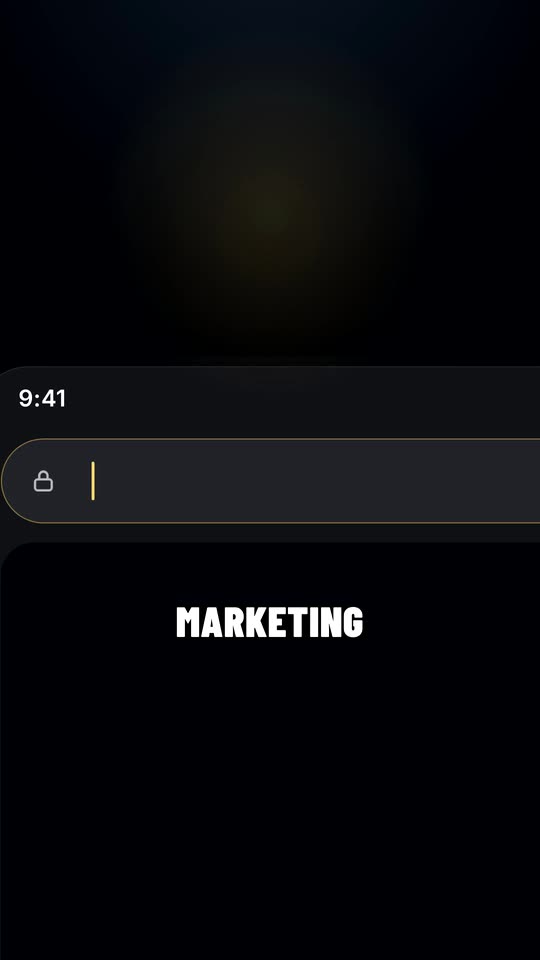
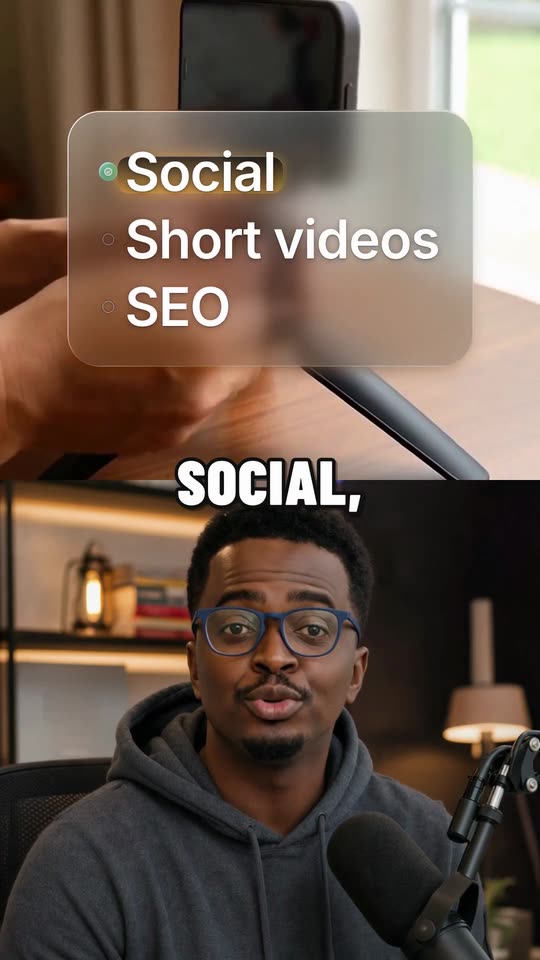
A real creator video made by Outshot
How Outshot makes a creator video
- 1
It writes the script
About 26 to 33 words, up to 15 seconds, about your product and the people it’s for. With your photo, it’s written as you: “I built this because…”.
- 2
A person says it to camera
You, from one photo, or an AI-generated person, new for each video. They sit in a home studio, a car, on a sofa or at an office desk, and speak in the delivery you pick: Calm, Natural, Expressive or Energetic.
- 3
It lands things on their words
Bold captions sit around the person. Stickers, photo cards and paper panels pop in on the words they belong to. On a key number, the video blurs and the words play sharp in the middle. Sound effects and music sit under the voice.
- 4
You keep it, it posts
Switch any of those off except the captions, in your Video settings or on one video. Swipe to keep it and it posts on its day.
Be your own UGC creator.
On TikTok, a person talking to camera feels more like a tip from someone you know than an ad. Filming one every day is the hard part. You might not be comfortable on camera, you might not have the time, or the quiet room and the good light.
Add one photo of yourself and Outshot makes those videos for you, with you in them: talking about your product at your desk, in your car or on the sofa, without ever pressing record.



- Drop in a photo
- You, anywhere
- Your videos
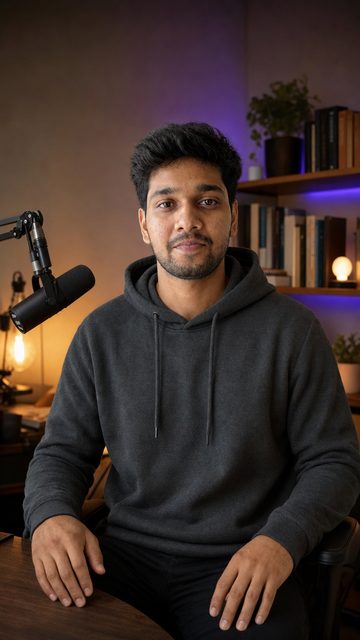
Hyper-realistic clones, true to your face, with natural expressions and gestures.
- 1
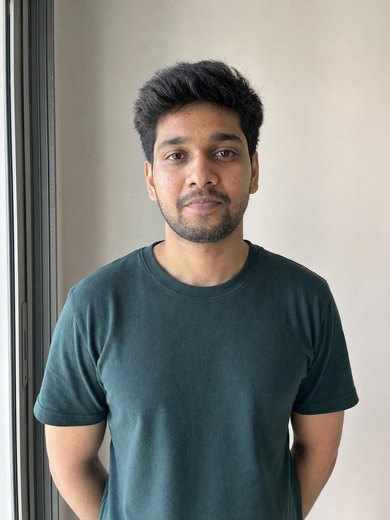
Add one photo
On your Brand page. Face the camera in good light, with your head and shoulders in the frame, no sunglasses or hat, and only you in it.
- 2
Say it’s you
Tick “This is me”. Only your own face can be used.
- 3
Pick your places
Outshot puts you in a home studio, your car, on a sofa or at an office desk, in about a minute. Keep the ones you like, try one again or remove it.
- 4
Pick your voice
Ten voices, each with a sample, and how you talk: Calm, Natural, Expressive or Energetic.
From then on, every Creator and Talking head video shows you, and its script speaks as you. Delete your photo any time and new videos go back to AI-generated people.
What’s in it, and when it works
In every creator video
- Where it posts
- TikTok, Instagram Reels and YouTube Shorts, at the same time.
- What it costs
- 25 credits to make. Made once you have a plan or have bought credits. See pricing
It works well for
- Founders who want to be the face of their brand without filming
- The look of creator-made (UGC) videos, without hiring creators
- Putting a person on camera every day, in four different places
Questions about creator videos
Can the person in the video be me?
Yes. Add one photo of yourself on your Brand page and tick “This is me”. Outshot puts you in the places you pick (home studio, car, sofa, office) and every Creator and Talking head video uses you from then on. Your videos speak as you, in the first person.
Does it use my own voice?
Not yet. You pick one of ten voices for your videos, with a sample of each, and a delivery: Calm, Natural, Expressive or Energetic.
Can I use someone else’s photo?
No. Only a photo of your own face, and you confirm it’s you before anything is made. Delete your photo any time: it and its pictures are removed for good, and new videos go back to AI-generated people. Videos already made stay until you delete them.
What does a Creator video cost?
25 credits for a new one. A new take (new words, another setup or person, or a new version) is 15, and switching stickers, cards or other parts on or off is 1.
Can I make Creator videos on the free credits?
No. Creator videos are made once you have a plan or have bought credits. On the free credits you can still add your photo, and your talking heads will use it.
Is it labelled as AI-generated?
Yes. Creator videos use an AI voice and an AI-animated person, so they always post with each platform’s AI label.