Format · Demo
Your product demo, with a hook that stops the scroll
A real demo video made by Outshot
How Outshot makes a demo video
- 1
You add a demo
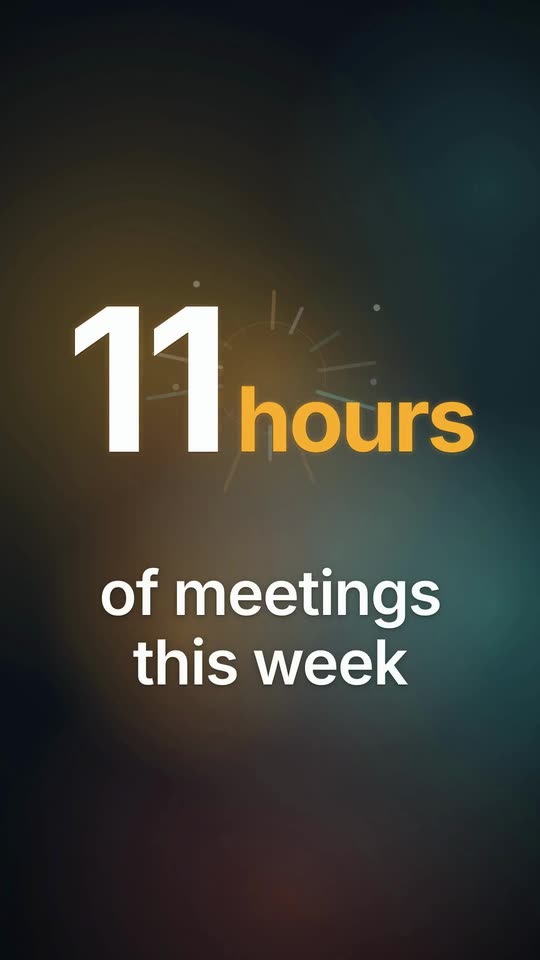
A 5 to 20 second clip of your product in action: a screen recording, a phone video, MP4, MOV or WebM. No clip? Outshot can film your website instead.
- 2
It finds the hook
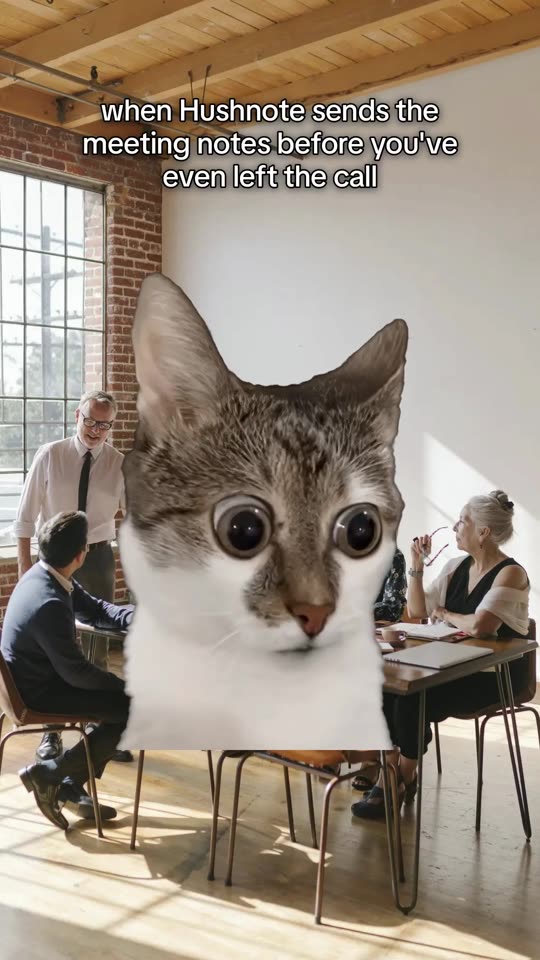
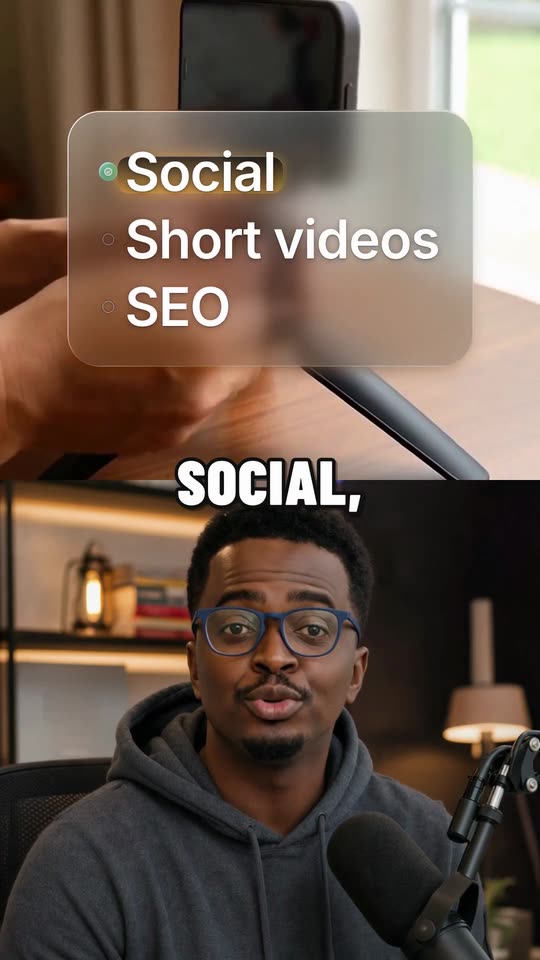
A reaction that stops people mid-scroll opens the video, followed straight away by what caused it: your product.
- 3
It adds the words and the music
Text on screen says what’s happening, and a track carries it. Swap the reaction or the music if you want another.
What’s in it, and when it works
In every demo video
- Where it posts
- TikTok, Instagram Reels and YouTube Shorts, at the same time.
- What it costs
- 15 credits to make. Your first videos are free. See pricing
It works well for
- Apps and SaaS: the one screen that makes people want it
- Products with a visible result: before, after, done
- Launches: the new feature, shown working in seconds
Questions about demo videos
How long should my demo clip be?
Between 5 and 20 seconds; 10 to 15 works best. A longer clip can be trimmed to its first 20 seconds. Hold the finished screen for 2 seconds at the end: that’s the moment people remember.
What if I don’t have a demo video?
Outshot can film your website and use it as the demo, so a Demo video works from just your site.
What does a Demo video cost?
15 credits, since it puts a reaction and your demo together. Swapping the reaction or the music later uses 2.